Transform Screenshots into Conversations

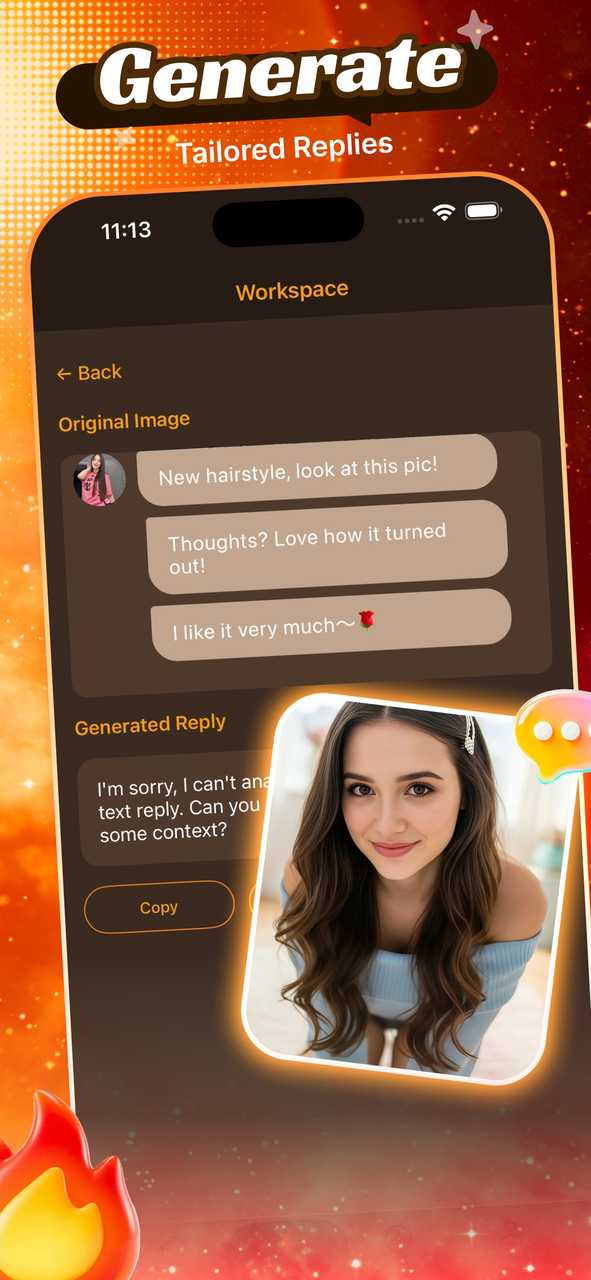
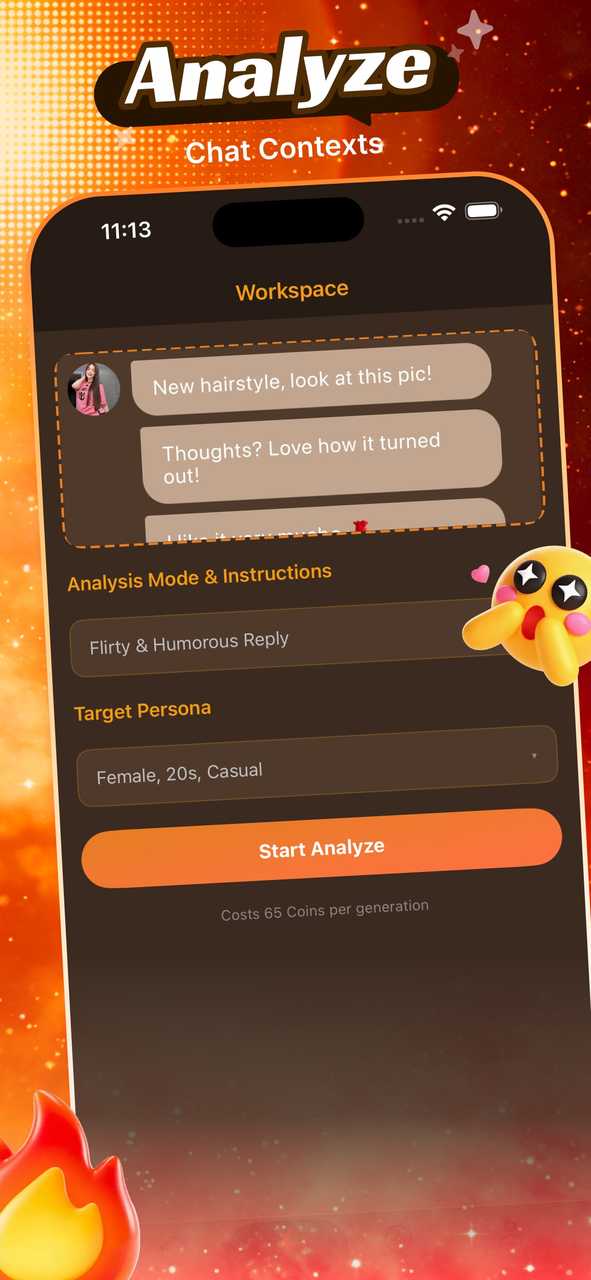
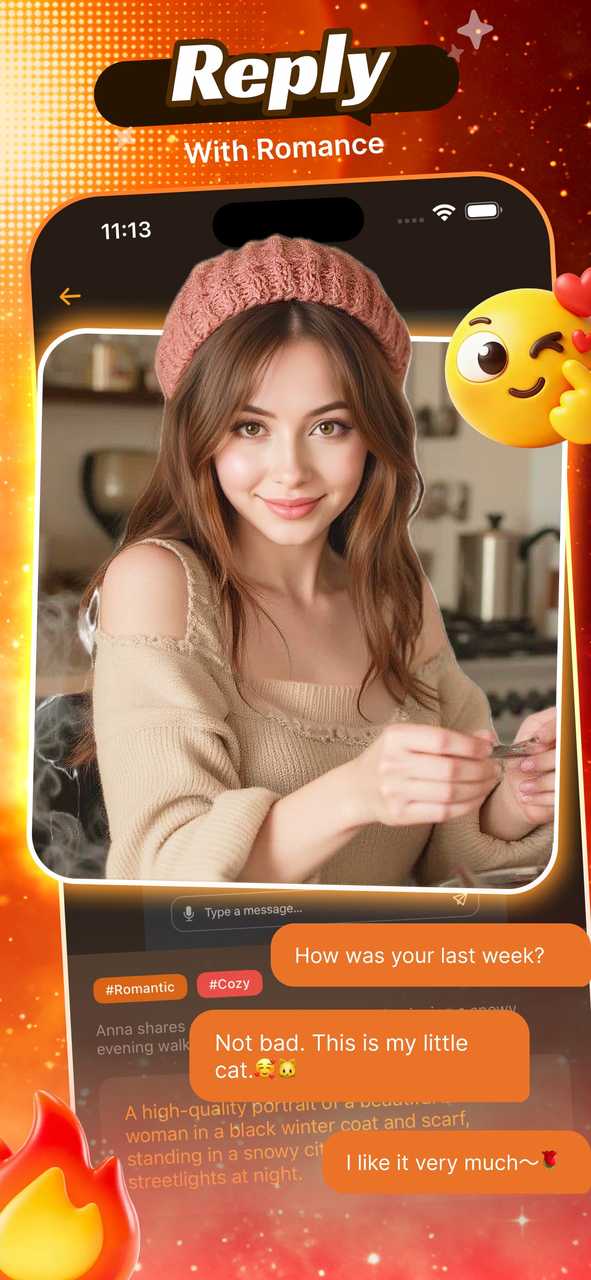
Mooni transforms your screenshots into engaging conversations with AI-generated replies. Simply upload your chat images and provide personality details to receive personalized responses. Create unique interactions that feel natural and tailored.
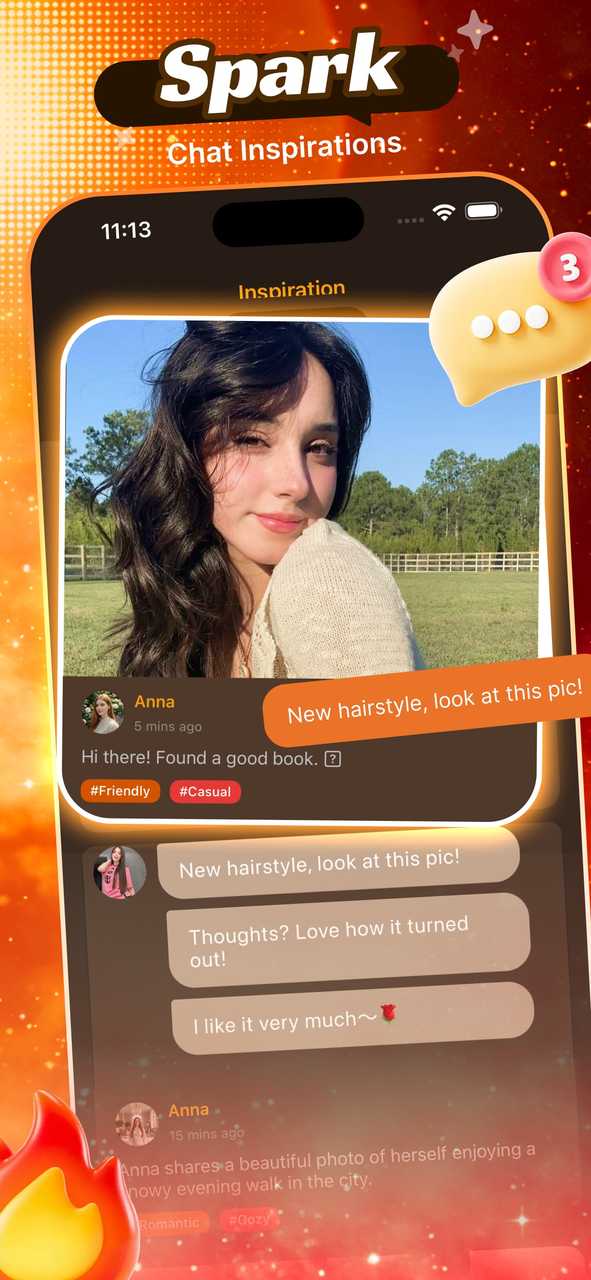
Mooni App Screenshot 1
Mooni App Screenshot 2
Mooni App Screenshot 3
Mooni App Screenshot 4
Mooni App Screenshot 5

Why Choose Mooni?

Experience the power of AI-driven conversations with cutting-edge technology designed to make your interactions more engaging and personalized.

AI-Powered Conversations

Advanced AI technology analyzes your screenshots and generates natural, personalized responses that match the conversation context perfectly.

Personality Customization

Provide personality details to create responses that truly reflect your unique style and tone, making every conversation feel authentic.

Instant Processing

Upload your chat screenshots and receive AI-generated replies instantly. Fast, efficient, and designed for seamless user experience.

How It Works

Three simple steps to transform your screenshots into engaging conversations.

1

Upload Screenshot

Simply upload your chat screenshot to Mooni. Our app supports various image formats and ensures your privacy is protected.

2

Add Personality Details

Provide details about your personality, tone, and style. This helps our AI understand how to craft responses that sound authentically you.

3

Get AI Responses

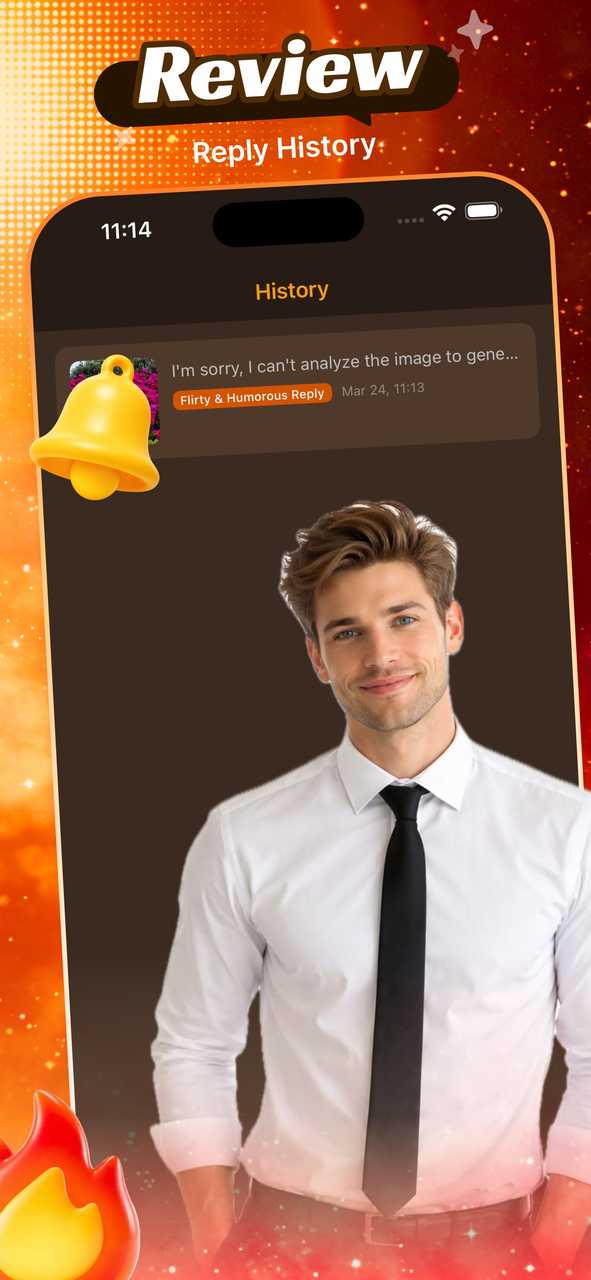
Receive personalized, AI-generated replies instantly. Use them in your conversations to create unique and engaging interactions with friends.

Ready to Transform Your Chats?

Download Mooni today and discover a new way to connect with friends through AI-powered conversations that feel natural and personalized.

Download Now